API Reference: Landing page plugins
This API reference documents built-in plugins that add a landing page to Apollo Server's base URL, enabling visitors to interact with the server from their browser.
This includes plugins for:
- The default landing page for non-production environments (
ApolloServerPluginLandingPageLocalDefault) - The default landing page for production (
ApolloServerPluginLandingPageProductionDefault) - Using GraphQL Playground as a landing page (
ApolloServerPluginLandingPageGraphQLPlayground) - Disabling the landing page entirely
These plugins work by implementing the renderLandingPage plugin event, which serves an HTML page whenever a browser includes an accept: text/html header. Aside from these, you can also create a custom plugin that renders a custom landing page.
Default behavior
If you don't manually install any plugin that implements renderLandingPage, Apollo Server does the following by default:
- In non-production environments (
NODE_ENVis notproduction), Apollo Server installsApolloServerPluginLandingPageLocalDefault. - In production environments (
NODE_ENVisproduction), Apollo Server installsApolloServerPluginLandingPageProductionDefault.
In either case, Apollo Server provides no configuration options to the plugin. You only need to install one of these plugins manually if you want to override its default configuration.
Configuring default landing pages
To configure these default plugins while still using same NODE_ENV-based logic, import them from the apollo-server-core package and pass them to the ApolloServer constructor in the plugins array:
import { ApolloServer } from "apollo-server";
import { ApolloServerPluginLandingPageLocalDefault,
         ApolloServerPluginLandingPageProductionDefault
} from "apollo-server-core";

const server = new ApolloServer({
  typeDefs,
  resolvers,
  plugins: [
    // Install a landing page plugin based on NODE_ENV
    process.env.NODE_ENV === 'production'
      ? ApolloServerPluginLandingPageProductionDefault({
          graphRef: "my-graph-id@my-graph-variant",
          footer: false,
        })
      : ApolloServerPluginLandingPageLocalDefault({ footer: false }),
  ],
});
Available configuration options are listed in each plugin's reference below.
Default non-production landing page
The ApolloServerPluginLandingPageLocalDefault plugin shows a landing page welcoming you to Apollo Server:
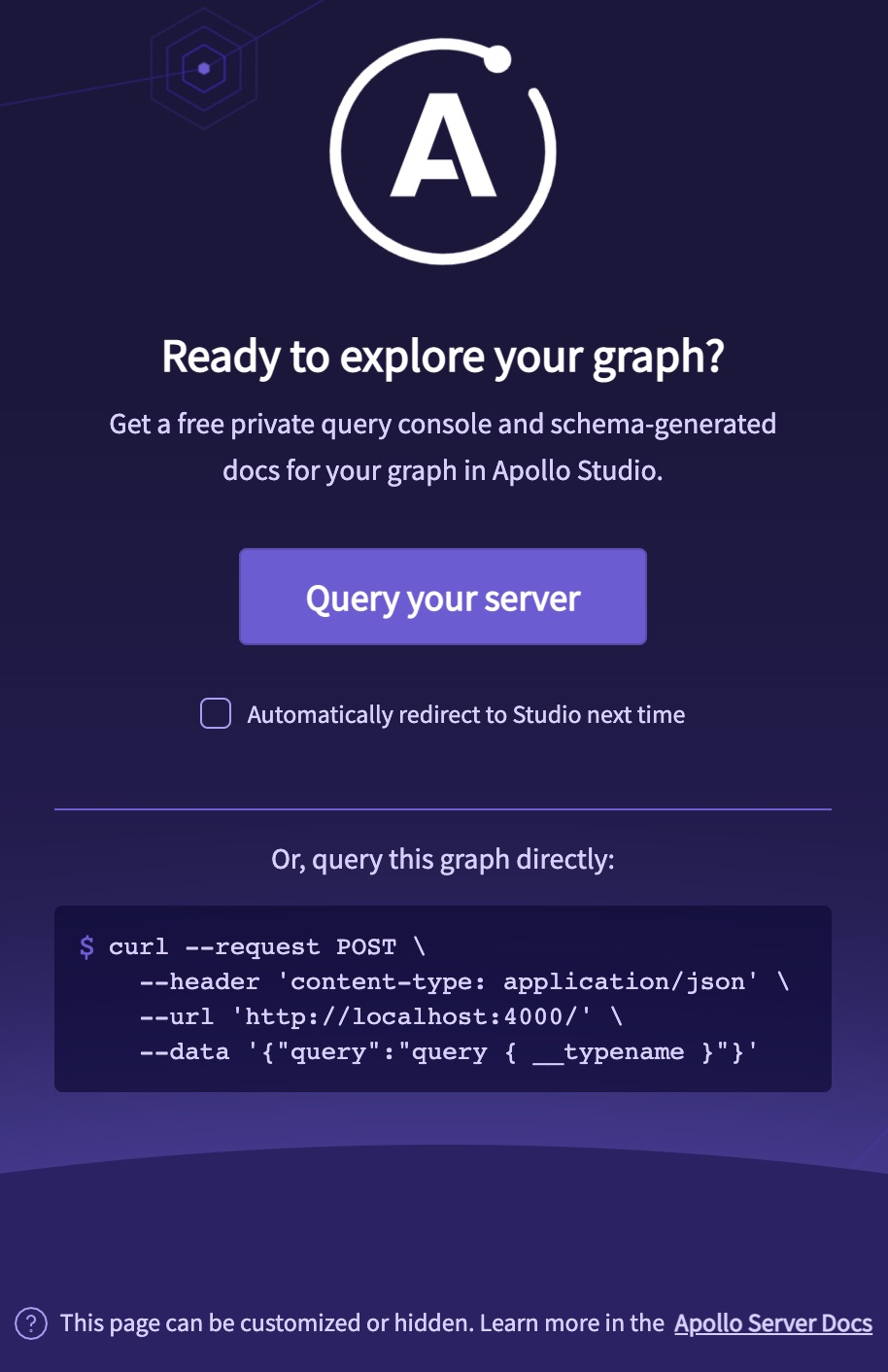
This landing page is designed for use in local development, where NODE_ENV is not set to production. It provides a copyable command-line snippet showing how to run operations via curl, and it also links to Apollo Sandbox (a hosted GraphQL IDE that runs entirely inside your browser and doesn't require an account).
Options
| Name / Type |
Description |
|---|---|
|
By default, this plugin uses the latest version of the landing page published to Apollo's CDN. If you'd like to pin the current version, you can specify it here. The current latest version is available at this link. |
|
By default, the landing page displays a footer that links to the documentation telling you how to configure it. To remove this footer, pass |
Default production landing page
The ApolloServerPluginLandingPageProductionDefault shows a minimalist landing page:
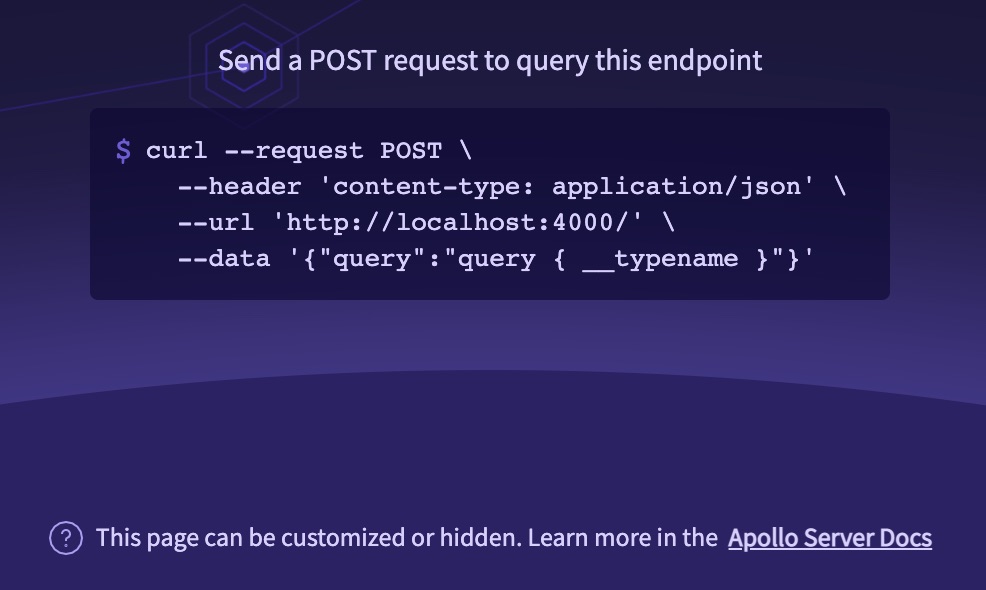
This landing page is designed for use in production. It provides a copyable command-line snippet showing how to run operations with your server. By default, the only visible reference to Apollo is a footer explaining how to customize the page. You can also configure it to add a link to query your graph with the Apollo Studio Explorer.
Options
| Name / Type |
Description |
|---|---|
|
By default, this plugin uses the latest version of the landing page published to Apollo's CDN. If you'd like to pin the current version, you can specify it here. The current latest version is available at this link. |
|
By default, the landing page displays a footer that links to the documentation telling you how to configure it. To remove this footer, pass |
|
If provided, the landing page includes a link (with opt-in auto-redirect) to the Apollo Studio page for the graph with the corresponding graph ref. An example graph ref is To enable this link, you need to provide |
GraphQL Playground landing page
The ApolloServerPluginLandingPageGraphQLPlayground plugin serves the GraphQL Playground IDE as a landing page.
Note: The GraphQL Playground project is retired in favor of GraphiQL. This functionality is provided to help developers migrating from Apollo Server 2.
The GraphQL Playground plugin is not installed by default. To install it, import it from apollo-server-core and provide it to the ApolloServer constructor:
import { ApolloServer } from "apollo-server";
import {
  ApolloServerPluginLandingPageGraphQLPlayground
} from "apollo-server-core";

const server = new ApolloServer({
  typeDefs,
  resolvers,
  plugins: [
    ApolloServerPluginLandingPageGraphQLPlayground(),
  ],
});
This plugin takes the same arguments as the renderPlaygroundPage function from the graphql-playground-html package (or specifically, the @apollographql/graphql-playground-html fork).
The table below mentions a few of the more common options and is not exhaustive.
Options
| Name / Type |
Description |
|---|---|
|
By default, this plugin loads a specific npm version of You can specify a different version here. |
|
By default, GraphQL Playground connects to a GraphQL server hosted at the same URL as Playground itself. To specify a different GraphQL endpoint, use this option. |
|
If specified, allows you to override the default values of GraphQL Playground's settings. Documentation of supported settings is available in GraphQL Playground's README. |
Disabling the landing page
The ApolloServerPluginLandingPageDisabled plugin serves no landing page from Apollo Server's base URL. Install it to disable the default landing page in some or all environments:
import { ApolloServer } from "apollo-server";
import {
  ApolloServerPluginLandingPageDisabled
} from "apollo-server-core";

const server = new ApolloServer({
  typeDefs,
  resolvers,
  plugins: [
    ApolloServerPluginLandingPageDisabled(),
  ],
});
This plugin takes no arguments.